Momo
A four-legged robot with a face, a voice, and its own personality.
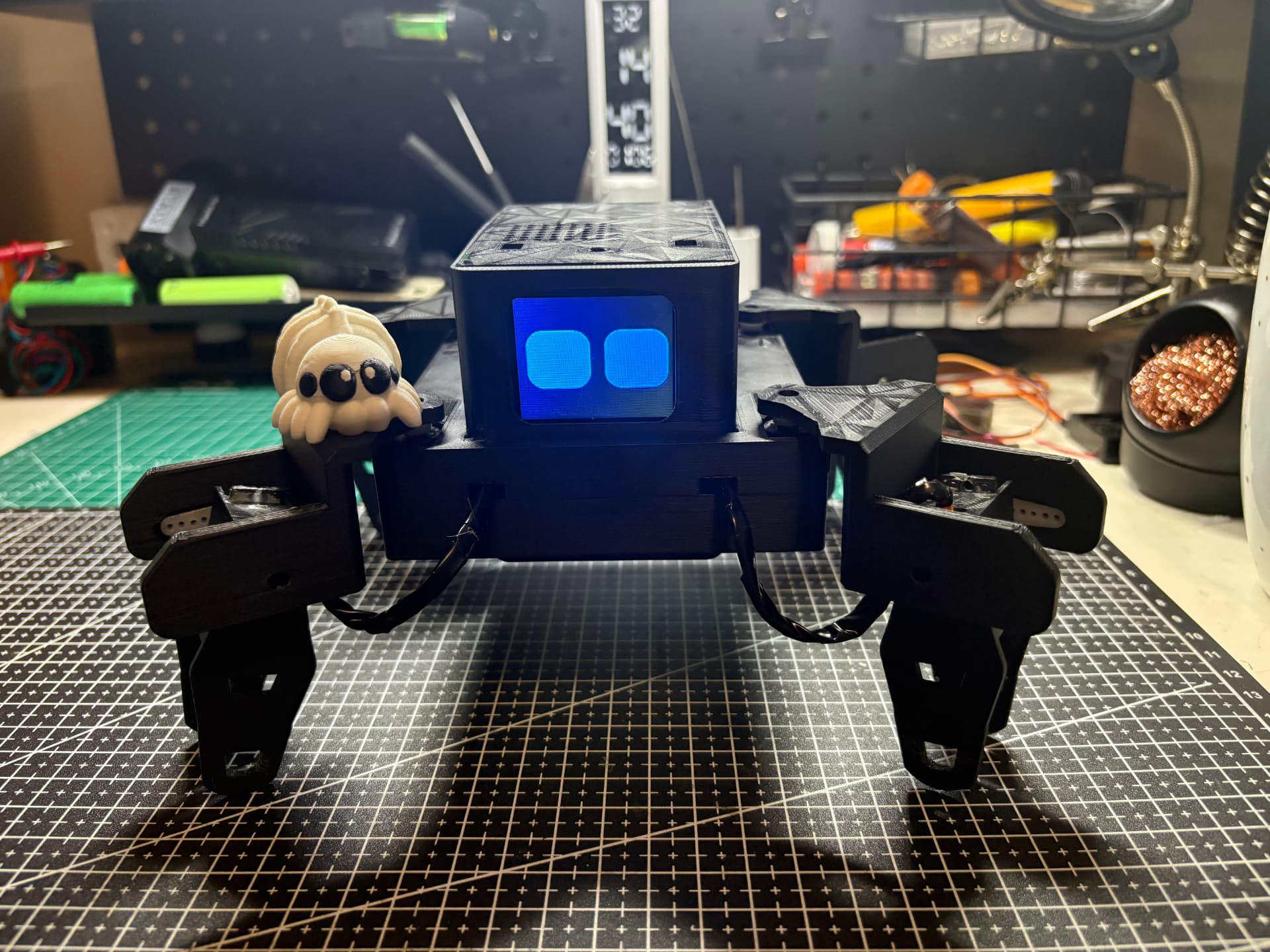
Built to feel alive, not just follow commands.
I brought voice, movement, memory, and an animated face together in one small robot.
Momo in motion
A quick look at the finished robot moving.
Interacting with Momo
Testing Momo's reactions and personality.
Talks and remembers
Momo listens through a microphone, replies out loud, and can keep useful details between conversations.
Moves on command
It can walk forward and backward, turn, sit, stand, wave, dance, and hold a pose for photos.
Shows some personality
The screen has 23 expressions. Its eyes blink, drift around, and change shape even while it is waiting.
Handles full requests
A request like sit down and stand back up becomes two actions that run in the right order.
Displays useful info
It can bring up an analog clock or an animated weather icon when I ask for the time or weather.
Works from a phone
The web panel can drive the robot, preview faces, follow the conversation, edit its personality, and set up WiFi.
One small computer. Eight moving joints.
The Pi handles Momo's thinking while a separate board controls the legs. Two power rails keep sudden servo movement from restarting the computer.
Raspberry Pi Zero W
Runs the voice loop, web panel, face animations, memory, and movement commands.
Eight MG90S servos
Two servos on each leg give the robot enough movement to walk, turn, sit, wave, and pose.
PCA9685 servo driver
Controls all eight servos without making the Pi handle every timing signal itself.
1.8 inch ST7735 screen
Draws the animated eyes, expressions, clock, weather icons, and the startup screen.
Microphone and speaker
An I2S microphone captures speech, while a MAX98357A amplifier drives the small speaker.
Battery and two UBECs
The Pi and servos use separate regulated power rails so motor load does not interrupt the computer.
One reply controls the whole robot.
Gemini returns a checked response for speech, expression, movement, screen content, and memory.
Listen
The microphone records my voice and boosts the quiet signal in software before speech recognition runs.
Understand
The transcript, Momo's personality, recent conversation, and saved memory are sent to Gemini.
Plan
Gemini returns checked JSON for speech, expression, actions, screen content, and anything worth remembering.
React
Momo changes its face, speaks, and starts moving at the same time instead of waiting for each part to finish.
Eight-servo gait
Walk, turn, sit, stand, wave, dance, and pose while the voice system keeps running.
A face that stays active
Its 23 expressions blink and drift, giving Momo character even while it waits.
Control it from a phone
Drive Momo, preview faces, follow the conversation, and adjust its personality.
No saved WiFi? Momo makes its own.
Connect to its hotspot and add a network from the setup page.
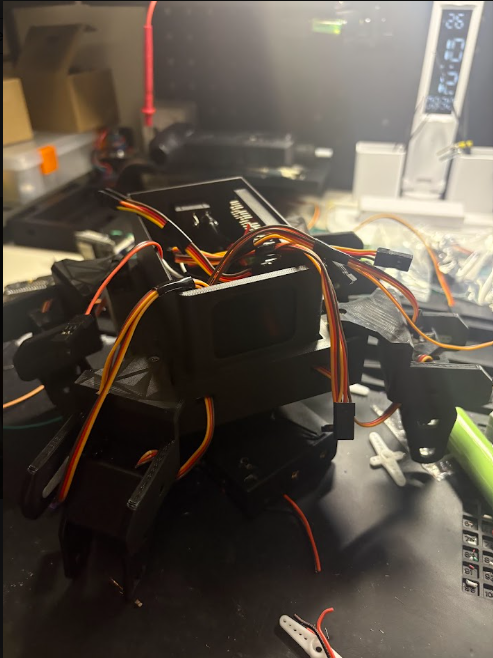
Early walking test
An older test from when I was figuring out how Momo should walk.
Every part has to work as one system.
I tested the screen, servos, microphone, and speaker separately, then learned how to make them share power and run together without freezing or restarting the Pi.